THE SHORT ANSWER
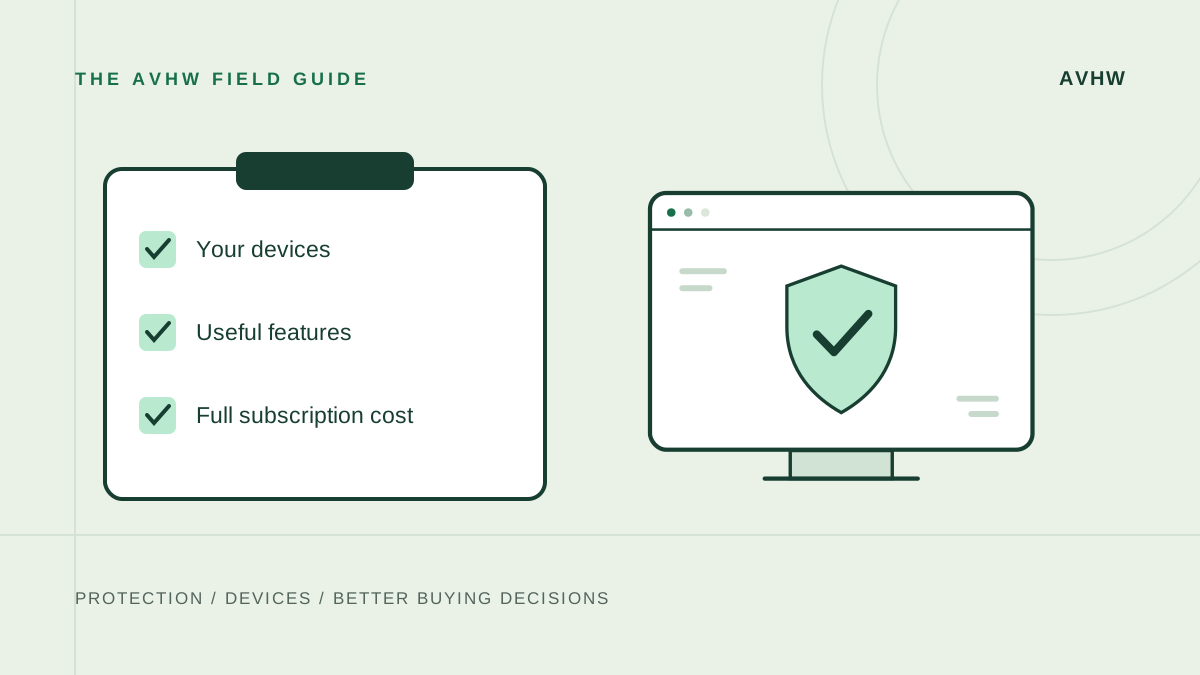
Choose the smallest documented package that meets your device and protection needs, then check its complete subscription cost.
- Consider it for
- Anyone comparing several antivirus offers or security bundles.
- Keep in mind
- Feature counts, discount percentages and unnamed scores are poor substitutes for evidence.
Make the comparison specific
Antivirus shopping becomes easier when the comparison starts with your requirements. List the devices, operating systems and people who will use the subscription. Then list the tasks you need the software to perform. The result should be a short decision checklist, not a wish list assembled from every vendor's marketing page.
This is an AVHW research-based buying framework. It does not claim a new laboratory test or promise that any subscription eliminates all security risks. Its purpose is to help you compare evidence and purchase terms on a consistent basis.
Check one: your current protection
On Windows, establish which antivirus provider is active before paying for another. Microsoft's Windows Security overview explains the built-in Defender component and its interaction with another active antivirus. [1] On a Mac, Apple's security documentation describes built-in malware defenses. [2]
Our recommendation is to start from that known baseline. If the proposed product solves a specific missing requirement, you have a reason to evaluate it. If the only reason is that a sales page suggests you have no protection, verify that assumption first.
Check two: the evidence behind protection claims
Look for a report that names the exact product, operating system, version and period. Separate laboratory protection measurements from a reviewer's interface observations and vendor feature claims. A Windows test cannot establish Mac performance, and an old award cannot guarantee the current release's behavior.
If two reports use different periods or methodologies, avoid merging their numbers into a false head-to-head result. A conclusion can still be useful without a numeric winner: explain what is supported, what remains uncertain and what information would change the recommendation.
Check three: feature availability
Verify every important feature on the device where it will be used. A suite covering several platforms may still provide different tools on each. Norton, for example, documents restrictions for some extras on macOS, while Surfshark lists its antivirus platforms separately from its VPN availability. [3] [4]
Treat privacy and management features as separate requirements. If you need a VPN, check its allowance and hardware support. If you need a child's device managed, verify that device's operating system. Do not tick the box merely because the feature appears somewhere on the product-family page.
Check four: the full price
Compare the total payment today, subscription length, renewal amount, device entitlement and paid extras. Use the same duration on both sides. A low monthly equivalent may describe a long upfront commitment, while another offer may charge annually.
Count an included service as a financial saving only if you would otherwise buy it and will actually replace it. Otherwise its value is convenience or optional use, not a proven reduction in your costs. Save the order summary so you can compare the renewal notice against the original purchase.
Check five: account and cancellation details
Know who sold the subscription and which account manages it. A direct website purchase and an app-store subscription may use different controls. TotalAV's cancellation guide illustrates why the payment channel matters. [5] Use the official process for the actual seller rather than assuming deleting the application cancels payment.
Check six: the transition
Follow the vendor's setup instructions and verify that the intended protection is active afterward. Microsoft's guidance advises against running several real-time antivirus products together. [6] A planned transition is more useful than leaving multiple engines competing because both were purchased on sale.
Make the decision
Select the package that meets the checklist with the fewest unnecessary extras and clear recurring terms. Read our Norton vs Bitdefender comparison or explore the review library for product-specific starting points. If a required fact is still unknown, resolve that fact before letting a limited-time banner make the decision.
Sources & evidence
Sources were checked on 8 November 2026. Vendor documentation establishes published features; lab reports apply only to their named product, platform and test period. Recommendations are AVHW's interpretation.
- Microsoft Support: Windows Security app overviewChecked 2026-11-08
- Apple Platform Security: protecting against malware in macOSChecked 2026-11-08
- Norton 360 Deluxe: features and platform restrictionsChecked 2026-11-08
- Surfshark Support: what is Surfshark One?Checked 2026-11-08
- TotalAV Support: cancel a subscriptionChecked 2026-11-08
- Microsoft Support: antivirus and antimalware FAQChecked 2026-11-08